Fans in empty rooms
A 70 W fan and a 20 W tube left on through a 6-hour college day waste over half a unit — in every room, every day.
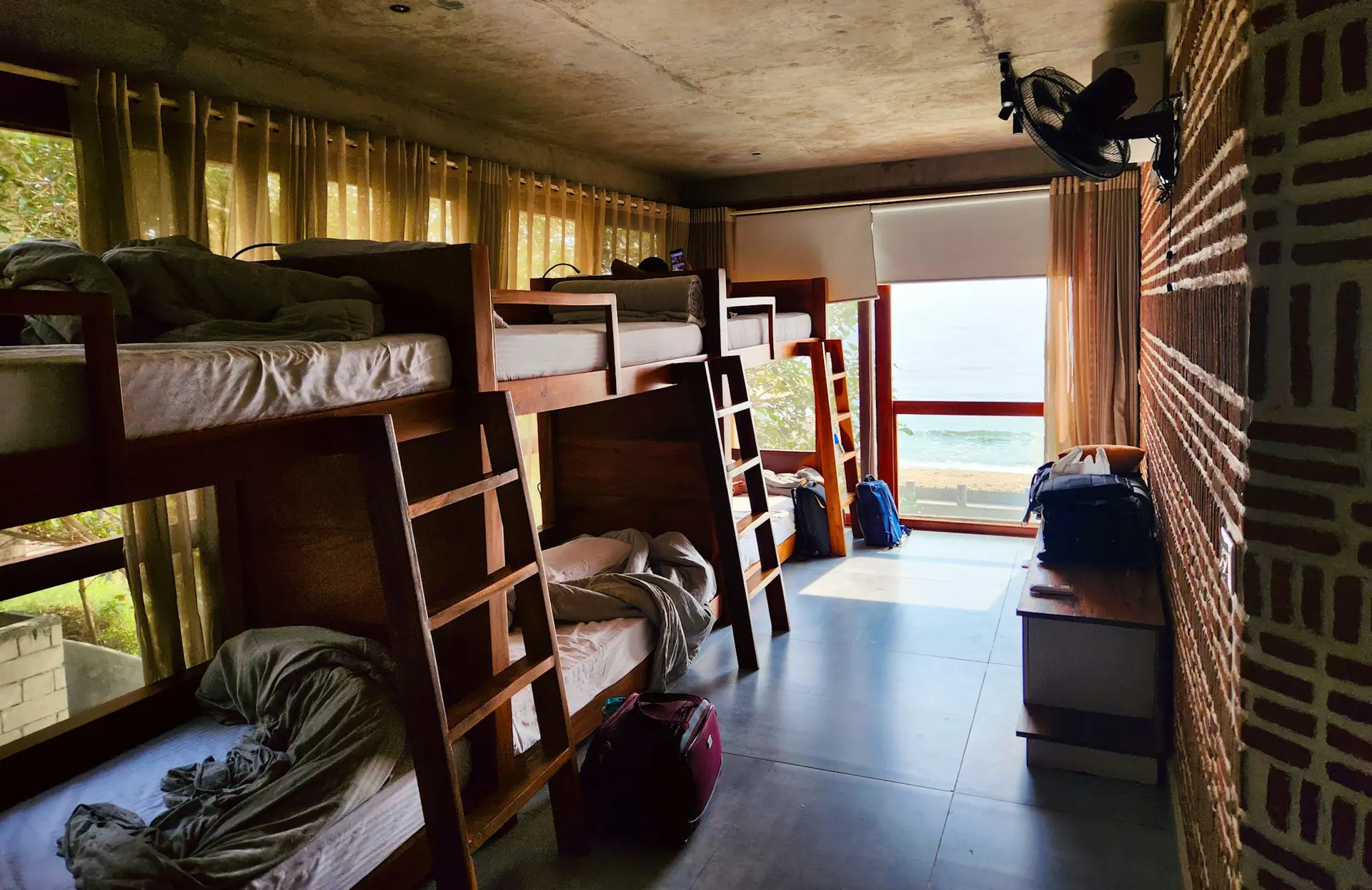
Radar presence sensors switch off lights and fans 30–60 seconds after the last person walks out — and never on a student who is asleep or studying. Add water meters per room or floor, and see exactly where your money goes.
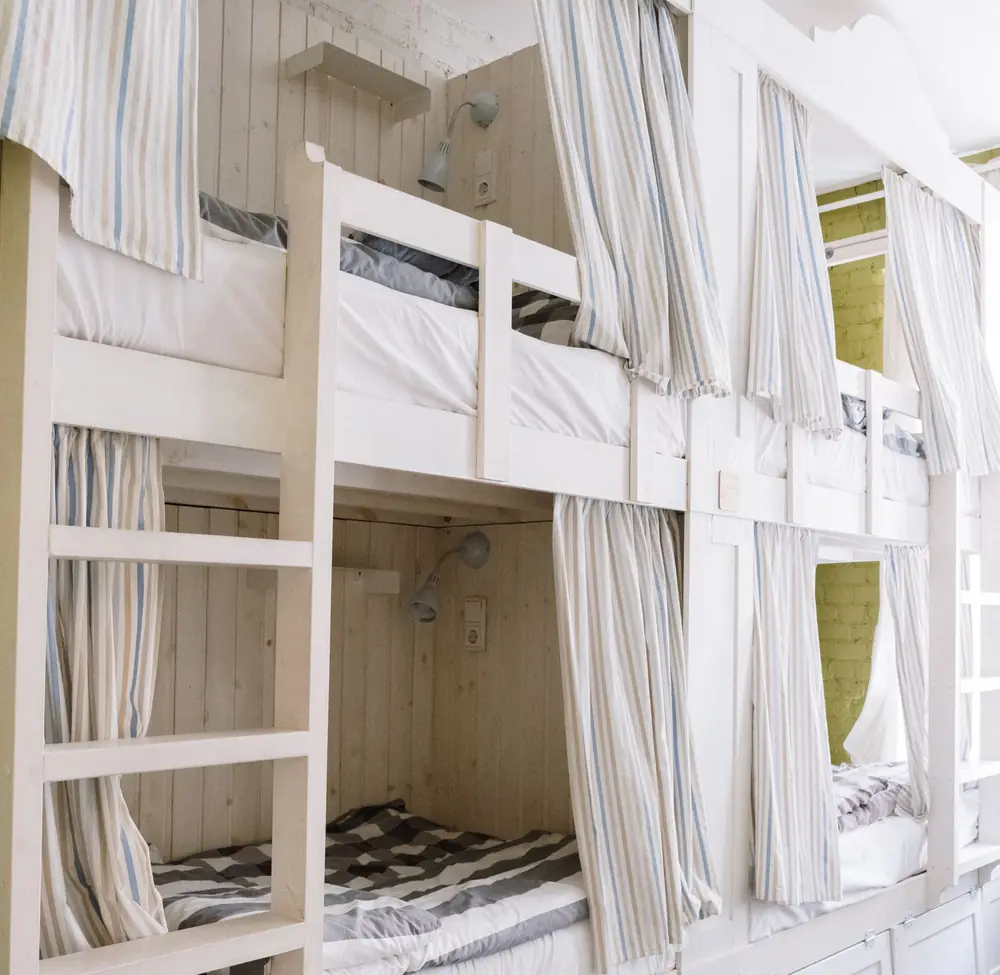
Residents never see the power bill — you do. So fans spin in empty rooms, lights burn through college hours, and reminder notices stop working after a week.
A 70 W fan and a 20 W tube left on through a 6-hour college day waste over half a unit — in every room, every day.
Notices, fines and WhatsApp groups fade within weeks. A sensor never forgets, never argues.
Electricity is baked into the rent, so every wasted unit comes straight out of your margin.
A resident works at the desk, sits still, then leaves. The sensor waits, switches off the light and fan — and brings them back when someone returns.
A small radar sensor in each room drives a smart switch module behind your existing switchboard. Residents still use the switches by hand — the sensor only steps in when a room is empty.
mmWave radar detects people — even someone sitting perfectly still or asleep. It senses breathing.
When the room empties it waits 30–60 seconds, so a quick trip down the corridor doesn’t count.
The light and fan go off on their own. Nobody has to remember, and nobody has to be reminded.
Walk back in and the things that were on come back on. Or leave it to the switches — your choice per room.
Most auto-off switches use PIR motion sensors. They only see movement — so at 1 am they decide a sleeping student has left, and switch the fan off. Our millimetre-wave radar senses people, not just movement.
Three moments that happen in every room, every day — and what the room does in each.
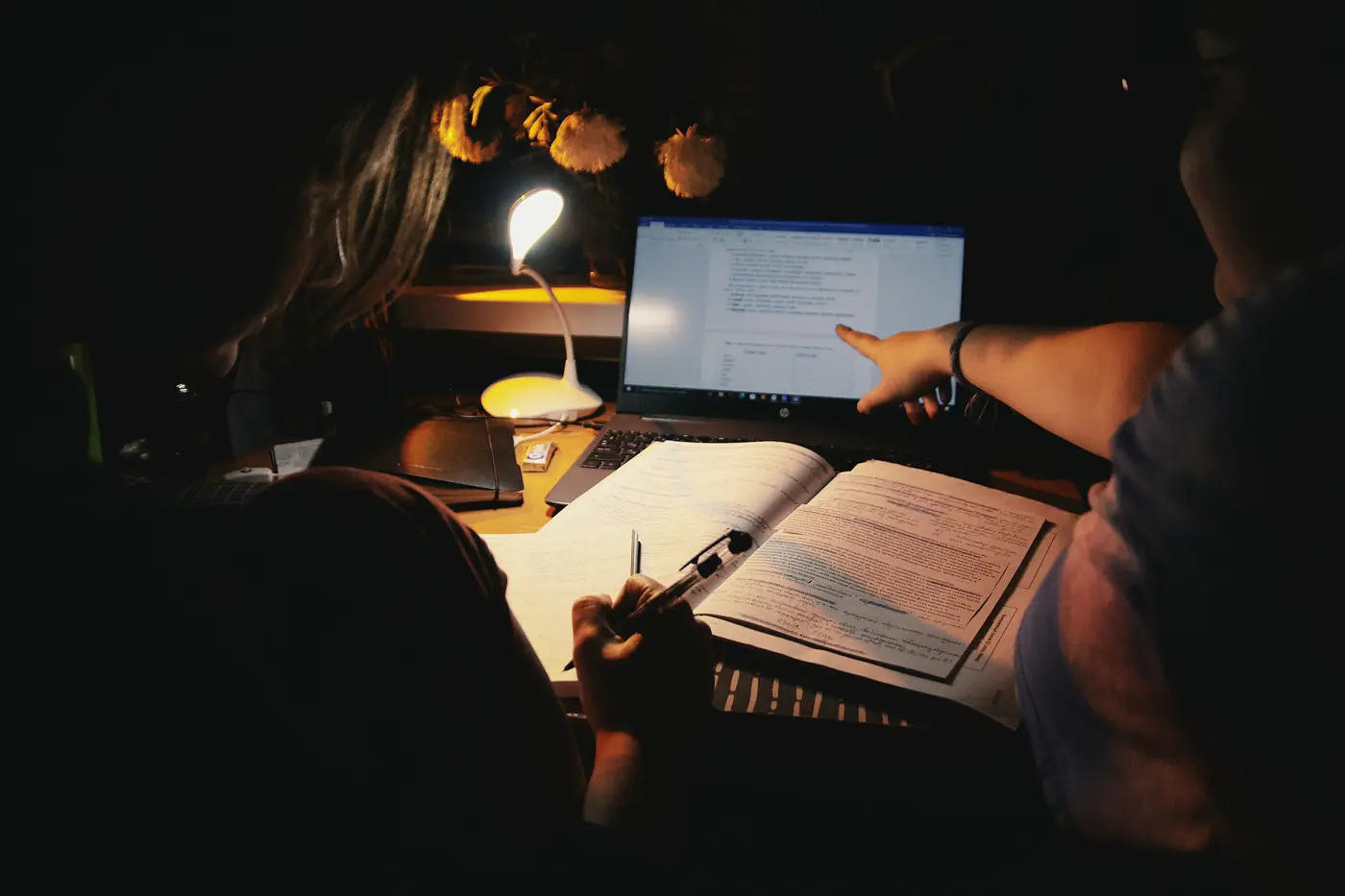
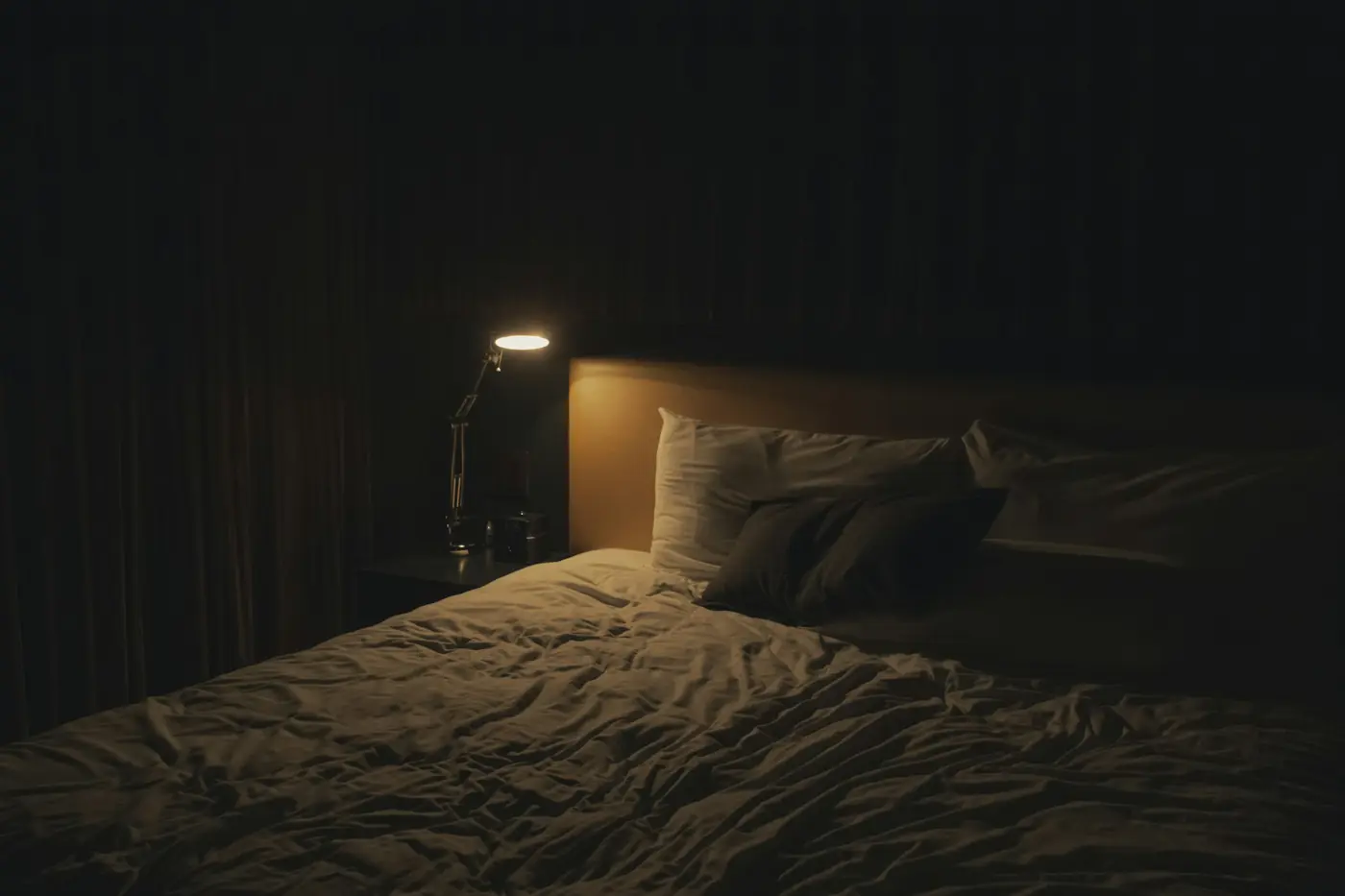
Eight rooms, sixteen residents, an ordinary day. Turn the sensors off and on to see where the units go — the residents do exactly the same things either way.
Simulation: two residents per room, one 20 W tube and one 70 W fan per room. A room only counts as empty when both residents are out — about 5 hours on this day. Savings rise with how often things are left on; the calculator below uses your own numbers.
Move the sliders to match your building. The maths is shown underneath — no hidden assumptions.
Per room each day: fan 8 h overnight while asleep, light + fan 10 h while someone is in, and 6 h left on in an empty room — the part the sensor switches off. 30 days a month.
About 27% less power in a typical room, every month — more in rooms that sit empty all day.
No notices, no fines, no chasing residents to switch off. The room does it.
Never cuts the fan on someone asleep or studying, so residents don’t complain.
Radar only. No camera, no photos, no recording — nothing residents need to worry about.
Fewer running hours, so fans, tubes and ACs last longer between repairs.
Less power wasted and a smaller carbon footprint — a good line for your listing, too.
We fit brass flow sensors on your water lines and monitor them round the clock — so you know who uses how much, and where water is wasted.
Brass flow sensors go inline on each line you want tracked: a room, a flat, a floor or the tank outlet.
Every sensor counts the water passing through it and reports to our system every few seconds.
See usage for every point, get a monthly report, and hear from us fast about unusual flow.
Repair leaks early, split bills fairly and plan tankers with real numbers.
A sensor on the main line plus one per flat. Pick a scenario and watch how the numbers give the problem away.
Illustration with made-up numbers. The dashboard below is real.
Live flow, daily totals and busy hours on your phone or laptop. These are real readings from one of our running sensors.
Short bursts with nothing in between: this is what a line with no leak looks like.
We check every monitoring point for these four patterns, round the clock. When one shows up, you hear from us with the point, the time and how much is flowing.
Healthy lines drop to zero between uses. If yours never does, something is always running.
Steady flow between 1 and 5 am, when nobody should be using water, points to a hidden leak.
Hours of non-stop flow: an overflowing tank, a burst pipe or a tap left open.
With a sensor on the main line too, the totals must match. A gap means water lost in shared pipes.
Charts in this section are illustrations of each pattern.
One monitoring point is one brass flow sensor — supplied, fitted and installed. The dashboard and maintenance cost ₹1,000 a year per building, however many points you have.
Example from our brochure: an 8-flat building with every flat metered is ₹24,000 once, plus ₹1,000 a year.
We check your rooms and water lines, then send a quotation made for your building.
Tell us how many rooms and floors you have, and what you’d like to fix first.
We come over, check every room’s switchboard and trace the water lines.
A clear quote for your building: sensors, points, installation and timeline.
We fit and test everything, set the delays per room, and hand over the dashboard.
No. The radar picks up the tiny movement of breathing, so a sleeping or perfectly still person still counts as “in”. That is the main difference from cheap motion-sensor switches.
There is no camera. The sensor uses low-power radio waves only to tell whether the room is occupied. It cannot see faces, take photos or record sound.
Yes. The switchboard works exactly as before. The sensor only switches things off after the room has been empty for the delay you choose — 30 to 60 seconds is typical.
The sensors talk to the switches over your building’s Wi-Fi. If it goes down, auto-off simply pauses and everything works by hand, as it does today. It resumes when the Wi-Fi is back.
We took one typical PG room: a 20 W tube and a 70 W fan. The fan runs 8 hours overnight while the resident sleeps, light and fan run 10 hours while someone is in, and both are left on for 6 hours a day with nobody in. That room uses 2.0 units a day; with the sensor, 1.46. The 0.54 units switched off are 27% of the room’s electricity.
Your number depends on how often your rooms sit empty with things on — try the calculator with your own figures.
Yes. In AC rooms it switches the AC off with the lights and fan. At ₹8 a unit, an AC left running two hours a day in an empty room costs about ₹720 a month — that is what the sensor saves.
₹3,000 per monitoring point, one-time, covering the brass flow sensor, fitting and installation. Then ₹1,000 a year per building for the dashboard and maintenance.
Yes — that is one of the main reasons owners meter each room or flat. The monthly report shows litres per monitoring point, ready for a fair bill split.
Send it on WhatsApp — we’ll call back to fix a site visit and send a quotation for your building.
Lighting, curtains, AC, locks and cameras — see everything we automate for homes, apartments and offices.